Airy Docs lets you export filtered or sorted document lists easily for sharing or analysis.
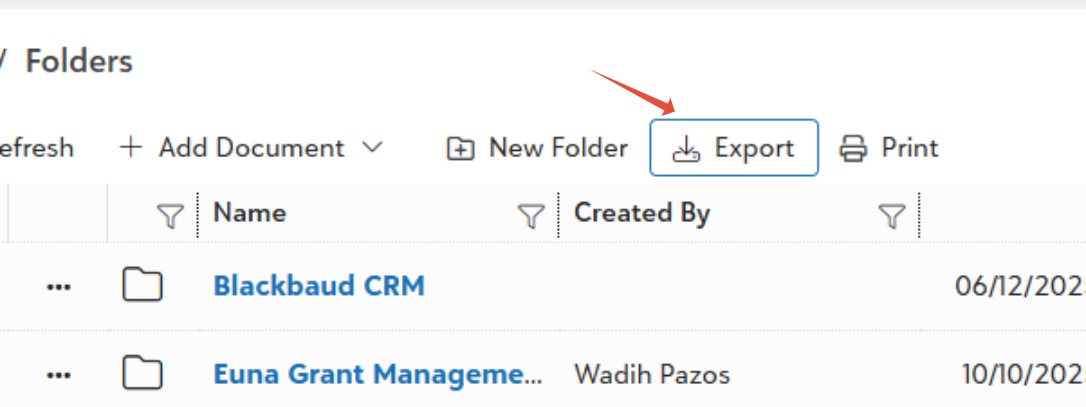
Export Basics: Click "Export" in any grid view (folders, search results) to create an Excel file with all visible columns across every page. Includes hyperlinks back to Airy Docs documents–no selection needed.
What Gets Exported: Only shown columns export; hide extras first via column picker. Applies to current filters/sorts, so refine your grid beforehand.
Sharing and Use: Share the Excel for audits or reviews–recipients click links to view docs (if permitted). Use Download instead for ZIP files with actual documents and folder structure index.
Was this article helpful?
That’s Great!
Thank you for your feedback
Sorry! We couldn't be helpful
Thank you for your feedback
Feedback sent
We appreciate your effort and will try to fix the article