Favorites provide quick access to frequently used documents and folders across AiryDocs. Users can mark items as favorites from grids or document views, collecting them in a personal "Favorites" section on the portal.
Adding Favorites
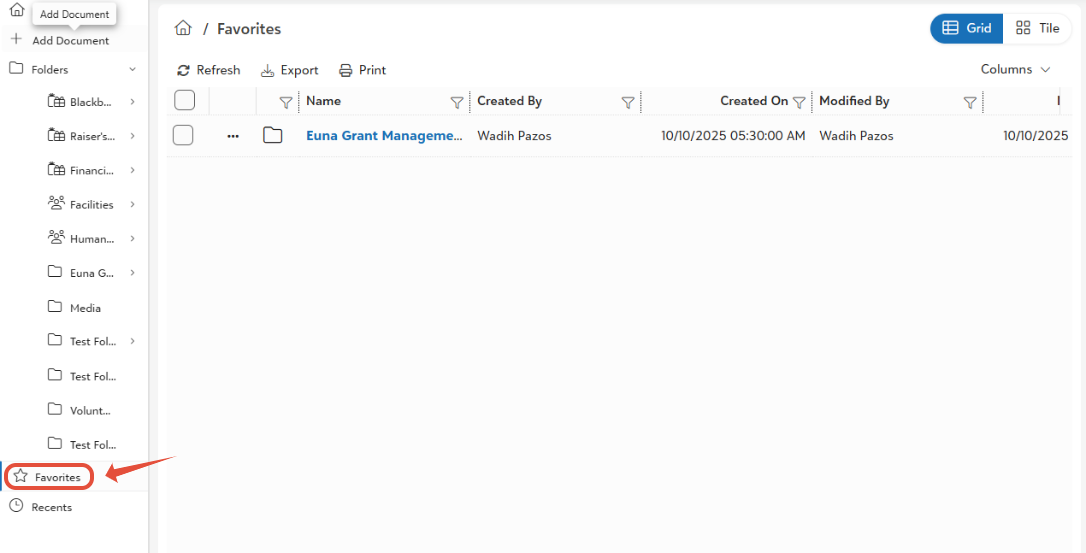
Access favorites via the portal sidebar or top navigation.
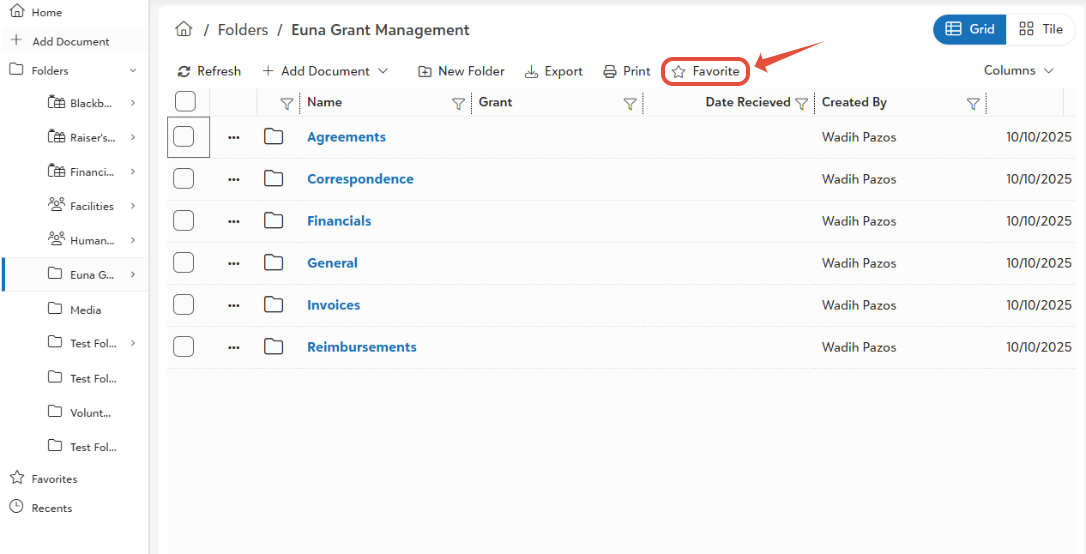
- Select document/folder in grid > Click star icon (or multi-select).
- Favorites appear instantly in personal list; supports folders (shows contents).
Was this article helpful?
That’s Great!
Thank you for your feedback
Sorry! We couldn't be helpful
Thank you for your feedback
Feedback sent
We appreciate your effort and will try to fix the article