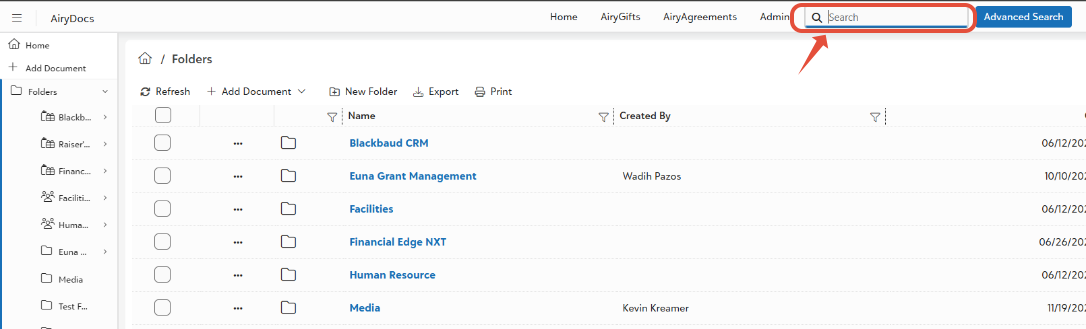
Basic Search finds any document instantly by typing words–no digging through folders needed. Works with filenames, metadata (location, created by, id, etc.), OCR(text inside scanned image/pdf) text across all folders.
- Top of Screen: use the search field to type and click on the magnifying glass to perform search.
Was this article helpful?
That’s Great!
Thank you for your feedback
Sorry! We couldn't be helpful
Thank you for your feedback
Feedback sent
We appreciate your effort and will try to fix the article