Follow these steps below to reset your airydocs portal password:
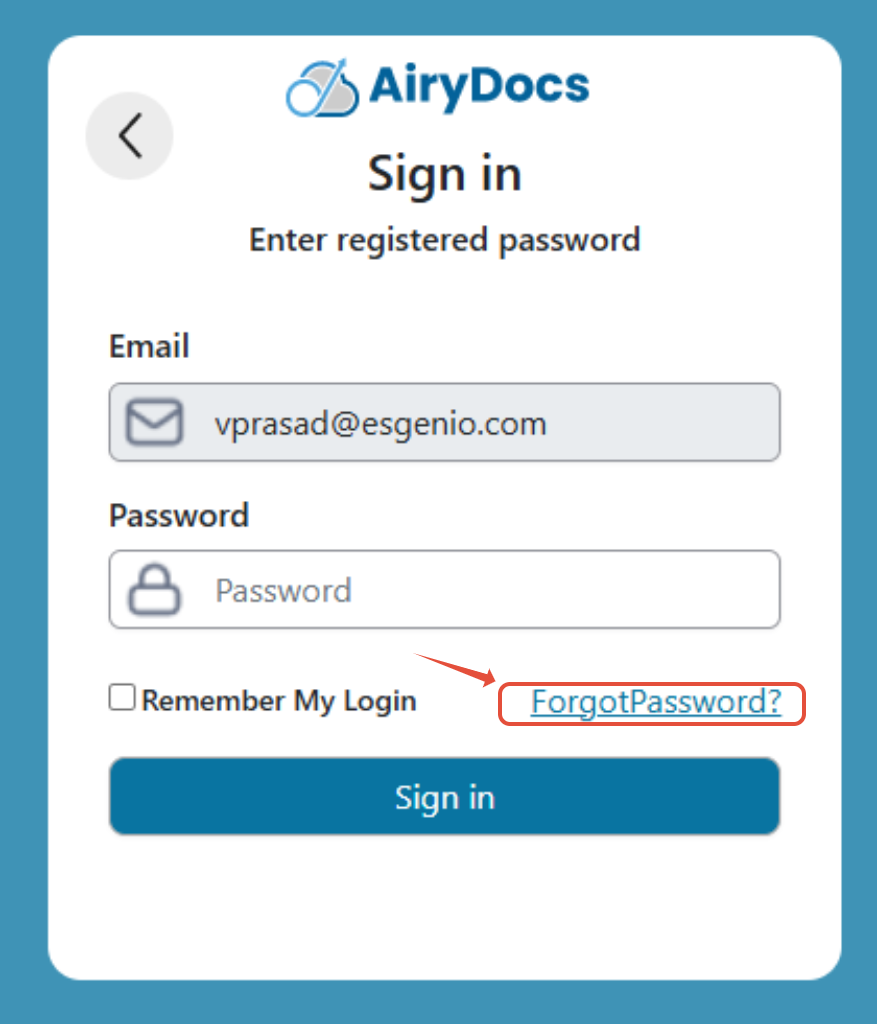
- Navigate to portal.airydocs.com and click "Forgot password?"
- Enter your registered work email address and click Submit.
- Check your inbox Including spam/junk for an email from no-reply@airydocs.com with subject "Reset Your AiryDocs Password"
- Click the "Reset Password" link in the email (expires in 24 hours).
- Enter your new password.
Was this article helpful?
That’s Great!
Thank you for your feedback
Sorry! We couldn't be helpful
Thank you for your feedback
Feedback sent
We appreciate your effort and will try to fix the article